If you want to buy a laptop online in Kenya, a low price is only one part of the decision. You also need the exact configuration, clear condition notes and a reliable way to ask questions. A good listing helps you check those details before you commit. However, a polished photograph alone cannot tell you how a used battery performs or which charger arrives in the box.
This guide walks through a practical online purchase. Start with the work you need to do, compare like-for-like machines, then confirm the complete order. The product cards below link to the current BuyLaptop catalogue. They provide a starting point for a shortlist, rather than a claim that one model suits every buyer.
Compare current catalogue options
Open each listing for the current price, configuration and availability. Confirm suitability for your workload.
- Refurbished
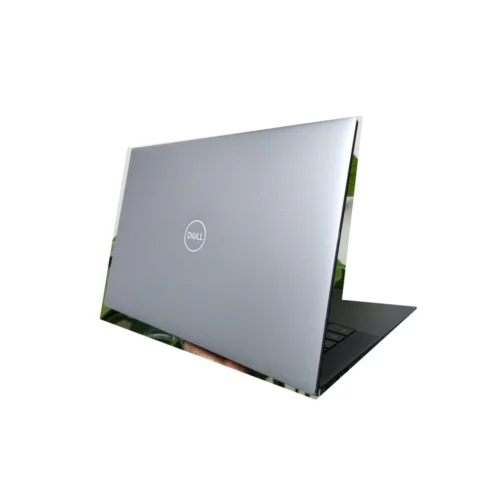
Dell Precision 5550 | i7 10th Gen | 16GB RAM | 256GB SSD | 4GB Graphics
Core i7 10th Gen · 16GB · 256GB SSD · 15.6"
KSh 59,400In stock - Refurbished
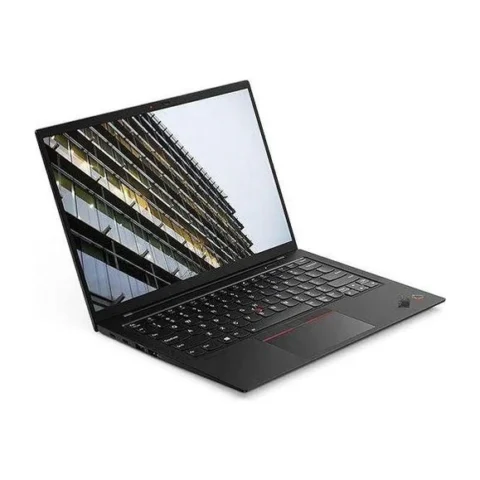
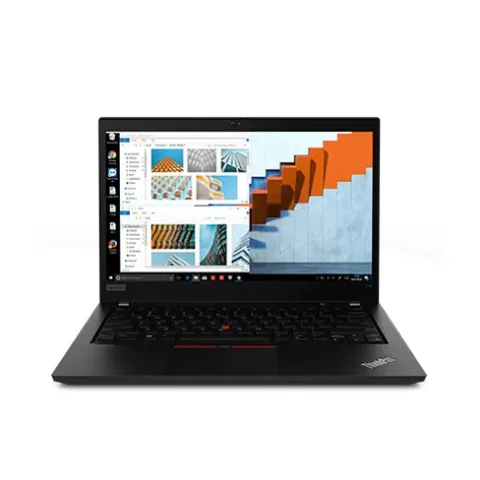
Lenovo ThinkPad T14 | i7 10th Gen | 16GB RAM | 256GB SSD | Touch
Core i7 10th Gen · 16GB · 256GB SSD · 14" Touchscreen
KSh 36,720In stock - Refurbished
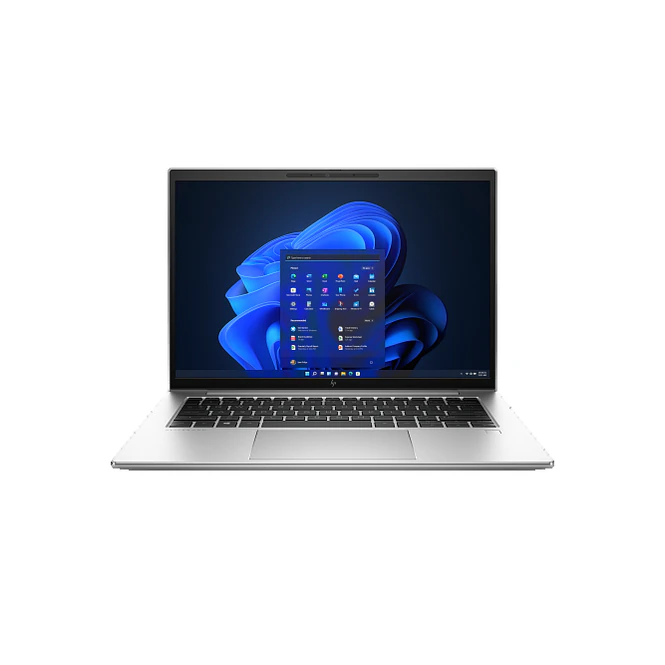
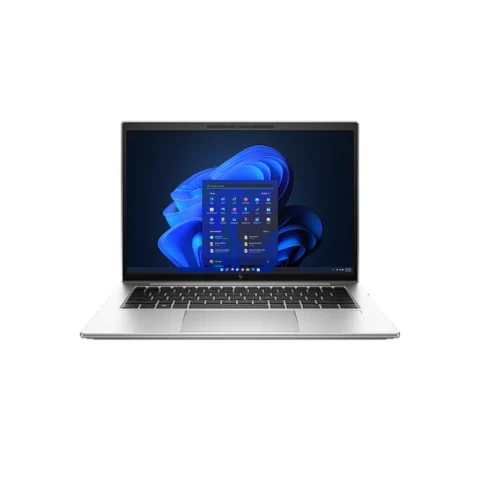
HP EliteBook 840 G9 | i7 12th Gen | 16GB RAM | 256GB SSD
Core i7 12th Gen · 16GB · 256GB SSD · 14"
KSh 59,400In stock
How to buy a laptop online in Kenya without guessing
First, write down three tasks you expect the laptop to handle. A university assignment, a video meeting and a large engineering model place different demands on a machine. For example, a browser and word processor may fit a modest business laptop. A complex render may need substantially more memory and graphics power. Therefore, choose the workload before you choose the badge on the lid.
Next, set a complete budget. Include any memory upgrade, larger SSD, suitable charger and delivery charge you actually need. A slightly cheaper machine can lose its advantage when those costs arrive separately. Ask for a written breakdown so you can compare the whole purchase. If an essential item has no confirmed price, leave room for it instead of assuming it is free.
You can use our Laptop Finder to narrow the catalogue. Alternatively, open the current laptop listings and compare the specifications yourself. Keep two or three suitable options. This gives you a useful fallback if one configuration sells before you complete the order.
Read the full configuration, not just Core i5 or Core i7
Processor family names cover many years and designs. Consequently, an i7 badge does not automatically make a laptop the better purchase. Ask for the complete processor model and generation. Then compare it with the applications you plan to run. The operating system matters as well: an installed copy of Windows is not proof that the hardware meets its supported requirements.
Microsoft explains the hardware checks in its Windows 11 requirements. Use that reference when checking an older machine. In particular, ask about the supported processor, TPM and firmware requirements. Do not treat an upgrade workaround as the same thing as official compatibility. A seller should be able to explain what you are buying.
Memory and storage deserve the same care. For everyday browsing, documents and meetings, we suggest comparing machines with at least 8GB RAM and an SSD. That is a practical buying starting point, rather than a promise about every application. If you keep many apps open, compare 16GB options as well. Meanwhile, ask whether the quoted memory is soldered or upgradeable on the exact unit.
Compare the details that change the total value
| Detail | What to confirm | Why it matters |
|---|---|---|
| Processor | Full CPU model and generation | A family badge alone hides major differences. |
| Memory | Installed RAM and supported upgrade options | An upgrade plan only works if that configuration supports it. |
| Storage | SSD capacity, drive type and current health evidence | Capacity and condition affect daily use and replacement cost. |
| Screen | Resolution, touch support and visible defects | Two listings for one model can have different panels. |
| Battery | Current test information and any coverage exclusions | A model’s original battery claim is not a used-unit test. |
| Charger | Included adapter, connector and power rating | A missing or unsuitable adapter changes the purchase. |
Choose condition with your eyes open
New, open-box, ex-UK and refurbished describe different buying situations. Ex-UK describes a used import; it does not by itself establish the unit’s condition. Refurbished stock may include repaired or replaced parts. Therefore, read the specific notes rather than treating these labels as interchangeable quality grades.
Our condition guide explains the terminology used on the site. However, a grade should still sit alongside meaningful photographs and notes. Ask for current views of the keyboard, hinges, palm rest and lid. Also check the screen against a plain background. A small cosmetic mark may be acceptable, while a weak hinge may change your decision.
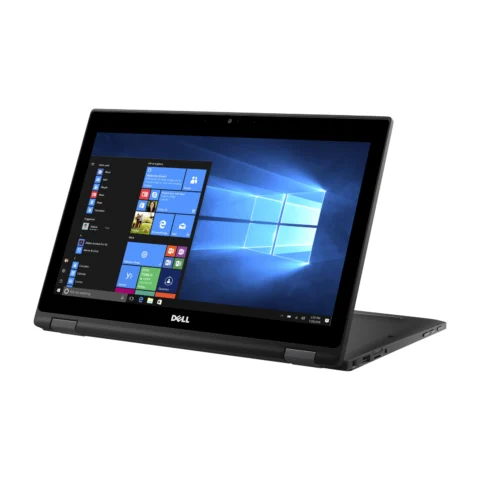
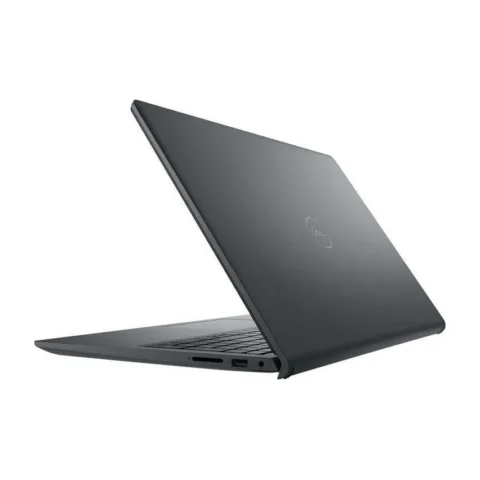
Catalogue photographs show the product design and help you identify the model. They do not establish that a particular used unit is scratch-free. For that reason, this guide labels its photograph as a catalogue image. If appearance matters to you, request photographs of the unit reserved for your order before you pay.
Use product embeds to build a real shortlist
The live product cards in this article let you open a listing and check its current details. Begin with the configuration that fits your tasks. Then compare a second option with a different memory capacity or processor. Finally, keep a third choice only if it solves a real problem, such as carrying weight, a larger display or a lower complete cost.
Do not judge a recommendation from its name alone. For example, a ThinkPad, Latitude or EliteBook range can contain several generations and screen options. Read the exact listing and ask about anything it leaves unclear. We have not benchmarked every listed unit for this guide, so no frame-rate, battery-runtime or application-speed guarantee is implied.
Confirm warranty, payment and delivery before paying
Ask for the written warranty that applies to your selected condition and unit. Check its duration, the provider and any exclusions for consumable parts. In addition, ask what to do if the delivered machine differs from the agreed description. Keep that answer with your order reference. A general warranty banner does not replace the terms for the specific purchase.
When you buy a laptop online in Kenya, delivery details affect the final cost and timing. Our delivery information is the right place to start. Then confirm your town, the charge, the agreed method and the expected timing. Do not assume that an address appears in a coverage list because a nearby town does.
Follow the purchase route shown on the product page. If it directs you to a conversation with the shop, confirm the order there before sending payment. Ask which payment method is available for that transaction. Also verify the recipient details against the agreed invoice or order message. Never treat an unrelated message or copied screenshot as confirmation from the shop.
A final checklist for your online order
- Save the exact model, CPU, RAM, SSD and screen specification.
- Confirm the unit’s condition and any disclosed marks or replacement parts.
- Ask for current battery information and the included charger details.
- Check the final price together with any agreed upgrade and delivery charges.
- Keep the written warranty, order reference and agreed payment instructions.
- Ask how to report a discrepancy promptly after delivery.
Once the laptop arrives, inspect it while the agreed details are easy to retrieve. Start it, confirm the reported specifications and test the functions you discussed. Check the keyboard, touchpad, charging and the ports you use. If something differs, document it and contact the shop. This makes the conversation more useful than a vague report that the laptop feels wrong.
Questions about buying a laptop online
Can I buy a laptop online in Kenya without visiting a shop?
You can begin by choosing a listing and confirming the order remotely. However, ask about the available payment and fulfilment process for your location. Keep the agreed specification and terms in writing. If you prefer an inspection before payment, ask whether that arrangement is available rather than assuming it is included.
Is the cheapest online listing the best option?
Only if its configuration, condition and complete cost fit your needs. A low headline price can exclude memory, storage or accessories you require. Therefore, compare the final quote and the evidence for the unit. An affordable laptop that suits the workload is a better starting point than a badge bought on price alone.
What should I ask if the listing is unclear?
Send the product link and name the missing detail. For example, ask for the exact processor model, current battery information or charger rating. Our contact page gives you the published ways to reach the shop. Clear questions help you compare answers before you choose.
Choose your next step
Ready to buy a laptop online in Kenya? Open the product cards, save two suitable options and compare their complete details. If you need help, send the shop your budget, three main tasks and the product links. You can then make a choice based on the configuration and agreed terms, with fewer surprises after the order.