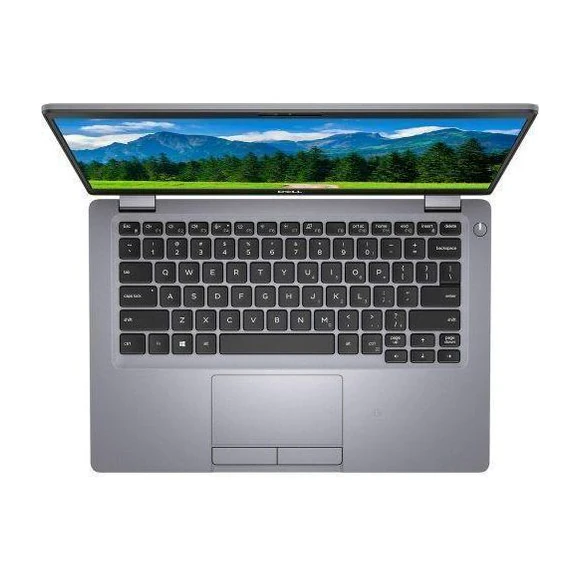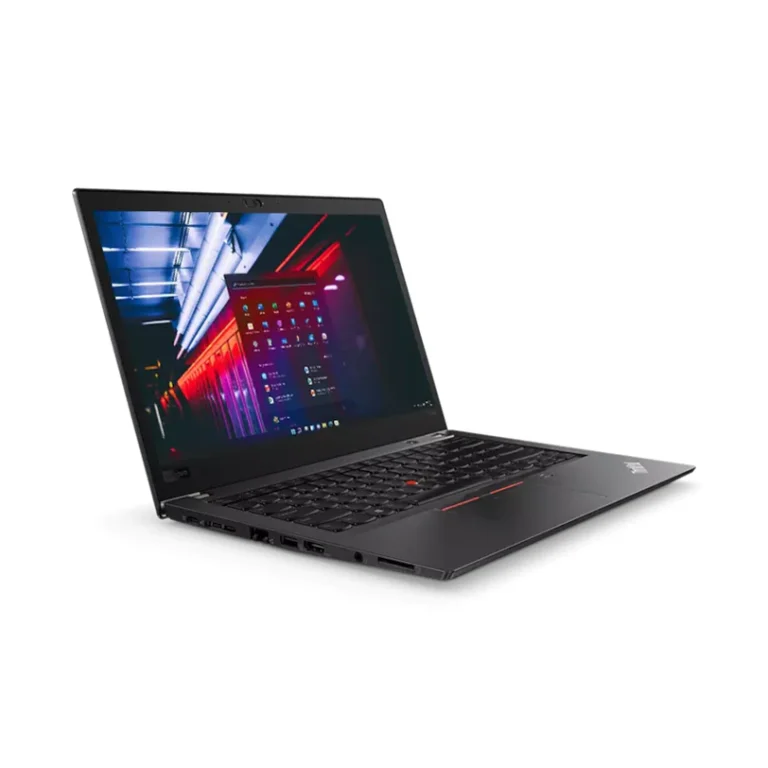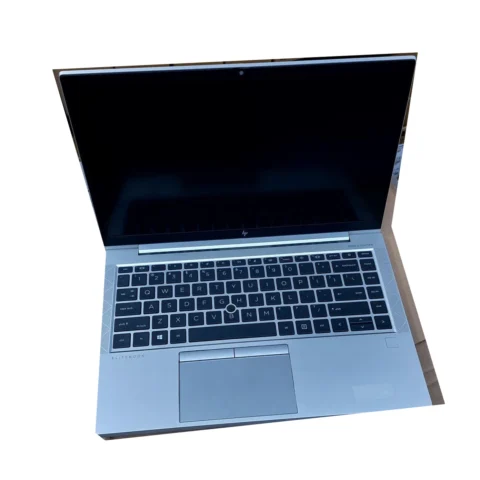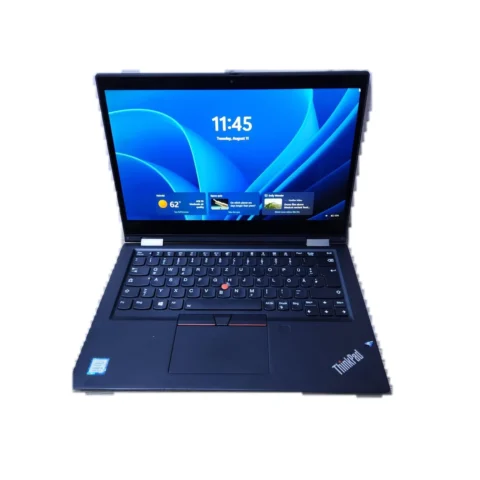
Choosing the best laptops for NGO field work in Kenya starts with an explicit offline and charging plan. For NGO field teams, a good purchase needs to support field records, communication and offline work. However, equating a SIM-slot shape with a working mobile-data modem can send the budget in the wrong direction. The useful question is which complete configuration fits the work you actually expect to do.
This is a buying guide based on the product information available in the catalogue, with links to the relevant publisher or manufacturer. It is not a claim that we benchmarked every model. The product embeds show current listing details when you open the page. Also, any price comparison in the text is a dated snapshot, so confirm the exact unit and final quote before ordering.
Open the current catalogue listings
Open each listing for the current price, configuration and availability. Confirm suitability for your workload.
- Refurbished
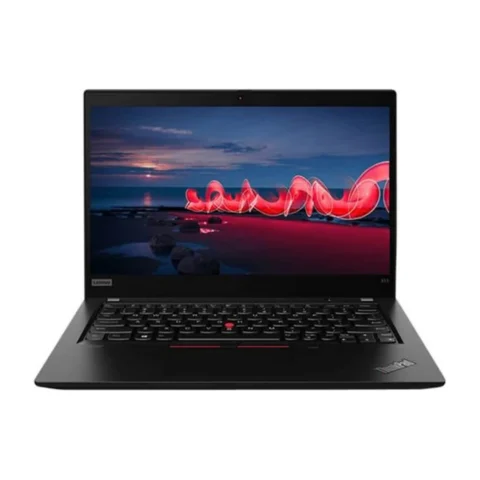
Lenovo ThinkPad X13 | i7 10th Gen | 16GB RAM | 512GB SSD | Touch
Core i7 10th Gen · 16GB · 512GB SSD · 13.3" Touchscreen
KSh 38,880Only 1 left - Refurbished
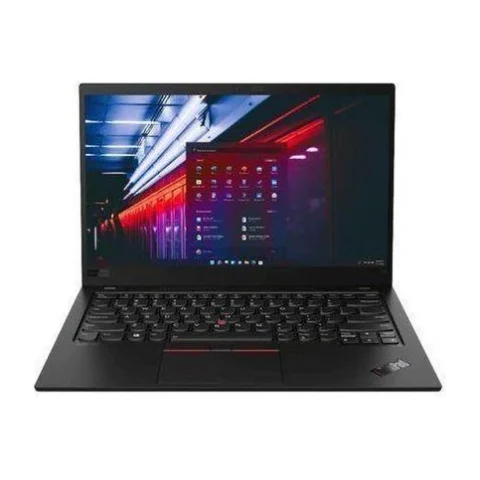
Lenovo ThinkPad X1 Carbon | i7 10th Gen | 16GB RAM | 512GB SSD | Touch
Core i7 10th Gen · 16GB · 512GB SSD · 14" Touchscreen
KSh 47,520Only 1 left - Refurbished
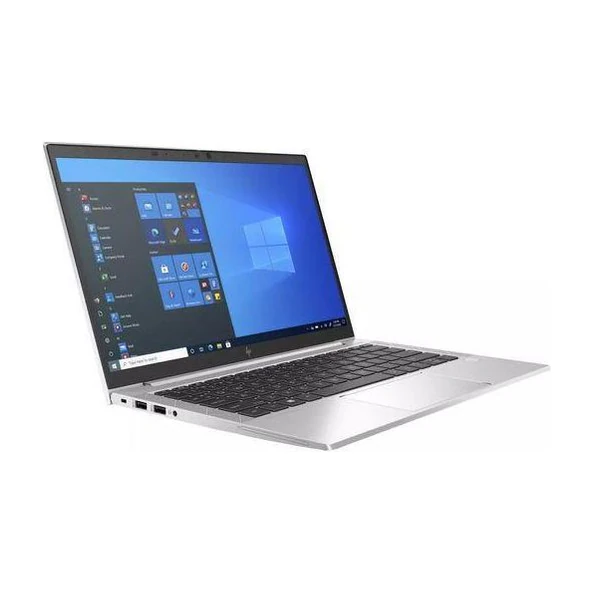
HP EliteBook 830 G8 | i7 11th Gen | 16GB RAM | 512GB SSD | Touch
Core i7 11th Gen · 16GB · 512GB SSD · 13.3" Touchscreen
KSh 46,440Only 2 left
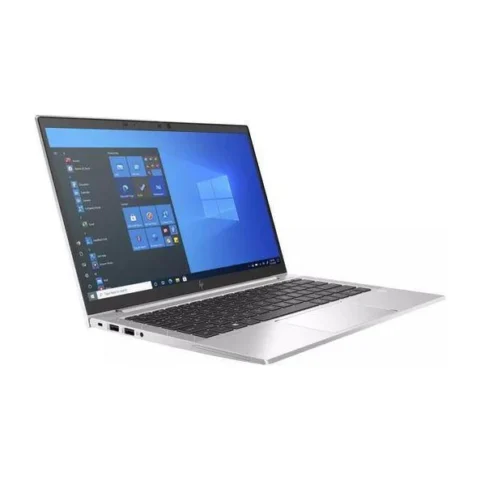
Best laptops for NGO field work Kenya: the buying decision
Define the work before choosing a configuration
For NGO field teams, the working session is field records, communication and offline work. Start by listing the files, applications and connections that this involves. Then distinguish what must run at the same time from work you can do separately. The key purchasing criterion is an explicit offline and charging plan. Therefore, the shortlist should answer that question before considering optional features.
Build an acceptance test around one concrete action: test the offline workflow and verify the connectivity hardware actually installed. Use a permitted sample rather than private client or institutional material. Also note the output you need to produce and any required application version. A seller can then discuss a specific workflow instead of making a vague promise that a laptop handles everything.
The mistake to avoid is equating a SIM-slot shape with a working mobile-data modem. For example, completing one small task does not establish performance with a full working session. Instead, ask which limitation you would notice repeatedly while doing field records, communication and offline work. That limitation provides a practical reason to spend more, choose another configuration or keep a less expensive option.
Set a practical specification target
For NGO field teams, compare about 16GB RAM and 512GB SSD capacity as a starting point. These are buying targets, not official minimum requirements. The actual workload is field records, communication and offline work, so increase or change the specification when the relevant application requires it. Conversely, do not spend more on a feature that leaves an explicit offline and charging plan unresolved.
| Decision | What this guide prioritises |
|---|---|
| Main workload | field records, communication and offline work |
| Memory comparison | 16GB starting point, adjusted to the real application |
| SSD comparison | 512GB starting point, adjusted to working-file size |
| Essential evidence | an explicit offline and charging plan |
| Practical demonstration | test the offline workflow and verify the connectivity hardware actually installed |
| Complete-cost check | charging, protective carrying and approved data backup |
Turn your workload into an acceptance test
Before ordering, define a short test for field records, communication and offline work. For example, identify a representative file, the tools that stay open beside it and the output you need to produce. Then decide what an unacceptable delay or limitation would look like. This is more informative than asking whether the laptop is simply fast.
Pay particular attention to an explicit offline and charging plan. If a demonstration cannot establish that point, ask for the missing specification or evidence. However, keep any test proportionate and use authorised sample material. A few clear checks connected to your actual work tell you more than an unrelated benchmark number or a vague premium label.
Compare the listed units and the actual price difference
Use these catalogue entries to investigate an explicit offline and charging plan. Their published specifications and prices identify what to compare; they are not benchmark results for field records, communication and offline work. Open each listing and ask about any missing detail before treating it as a suitable choice.
HP EliteBook 830 G8
Open this HP EliteBook 830 G8 configuration. The listing describes Core i7, 16GB RAM and 512GB SSD storage. Its condition label is Ex-UK refurbished. The 26 November 2026 price snapshot was KSh 46,440. However, the product card is the place to check the current offer. Match this configuration against field records, communication and offline work before comparing the price with another unit.
Assess the HP EliteBook 830 G8 together with its charger and any display adapters. For daily carrying, confirm present battery condition and actual carrying weight. Also read a real document at comfortable scaling. A small machine is only useful when it supports field records, communication and offline work without creating an uncomfortable daily compromise.
Lenovo ThinkPad X1 Carbon
Open this Lenovo ThinkPad X1 Carbon configuration. The listing describes Core i7, 16GB RAM and 512GB SSD storage. Its condition label is Ex-UK refurbished. The 26 November 2026 price snapshot was KSh 47,520. However, the product card is the place to check the current offer. Match this configuration against field records, communication and offline work before comparing the price with another unit.
Assess the Lenovo ThinkPad X1 Carbon together with its charger and any display adapters. For daily carrying, confirm present battery condition and actual carrying weight. Also read a real document at comfortable scaling. A small machine is only useful when it supports field records, communication and offline work without creating an uncomfortable daily compromise.
Lenovo ThinkPad X13
Open this Lenovo ThinkPad X13 configuration. The listing describes Core i7, 16GB RAM and 512GB SSD storage. Its condition label is Ex-UK refurbished. The 26 November 2026 price snapshot was KSh 38,880. However, the product card is the place to check the current offer. Match this configuration against field records, communication and offline work before comparing the price with another unit.
Assess the Lenovo ThinkPad X13 together with its charger and any display adapters. For daily carrying, confirm present battery condition and actual carrying weight. Also read a real document at comfortable scaling. A small machine is only useful when it supports field records, communication and offline work without creating an uncomfortable daily compromise.
What does the price gap actually buy?
Among these examples, the Lenovo ThinkPad X13 was listed at KSh 38,880, while the Lenovo ThinkPad X1 Carbon was listed at KSh 47,520. The snapshot difference was KSh 8,640. Compare their stated 16GB and 16GB memory configurations, storage and processor details. Then ask which difference improves field records, communication and offline work. The gap is a comparison, not evidence of a saving or a measured performance increase.
Keep the complete cost inside the decision
Compare the complete quote for charging, protective carrying and approved data backup. For example, an attractive headline price can change once essential equipment or an upgrade is added. Ask for the items to be listed separately. This helps you distinguish a genuinely useful configuration from a cheap device that needs immediate additional spending.
Also decide which compromise you can live with. For NGO field teams, the most important issue is often an explicit offline and charging plan. Saving a small amount on a feature you use every day may be a poor trade. However, paying extra for an unused feature can reduce the budget available for a necessary accessory or backup.
Use official requirements and inspect the actual unit
Check Microsoft guidance on caring for a Windows battery for the release, platform or model details that apply to your work. Then compare that documentation with the exact quoted configuration. In particular, an explicit offline and charging plan needs its own evidence. Original model documentation describes a product design; it does not prove the present condition or installed parts of a used unit.
Also read our condition guide and ask for current unit photographs. Confirm the screen, hinges, keyboard and battery information, together with charging, protective carrying and approved data backup. For fulfilment, check the delivery information and agree the actual destination, charge and method. Keep the written warranty and the order details together.
Questions about this buying decision
Which detail would justify paying more?
For NGO field teams, pay more when the change directly improves field records, communication and offline work or resolves an essential requirement. For example, compare an explicit offline and charging plan before paying for a cosmetic feature. However, confirm the benefit with the exact specification or an appropriate test. A more expensive model name alone does not establish a better result.
What should I ask the shop to demonstrate?
Ask whether you can test the offline workflow and verify the connectivity hardware actually installed. State which software version, files and connections you intend to use. Then ask for the missing detail if a demonstration is not available. Also, use permitted samples and avoid sharing confidential information. A clear test makes the conversation about field records, communication and offline work much more useful.
Should I accept a different configuration if stock changes?
Only after checking whether the replacement still supports field records, communication and offline work. In particular, equating a SIM-slot shape with a working mobile-data modem is a reason to slow down and compare the change. Save the replacement specification and complete quote before agreeing. If your original platform, model or budget is essential, ask for a matching option rather than assuming an alternative is equivalent.
Build your shortlist and confirm the complete order
For the best laptops for NGO field work in Kenya, use the live product embeds as a way to investigate an explicit offline and charging plan. Next, compare two complete quotations, including charging, protective carrying and approved data backup. The Laptop Finder can narrow the current catalogue. Finally, send the product links and your working requirements through the contact page before deciding.
For the related decision, read buy laptop online Kenya. Compare its criteria with your own tasks instead of assuming every buyer needs the same configuration.