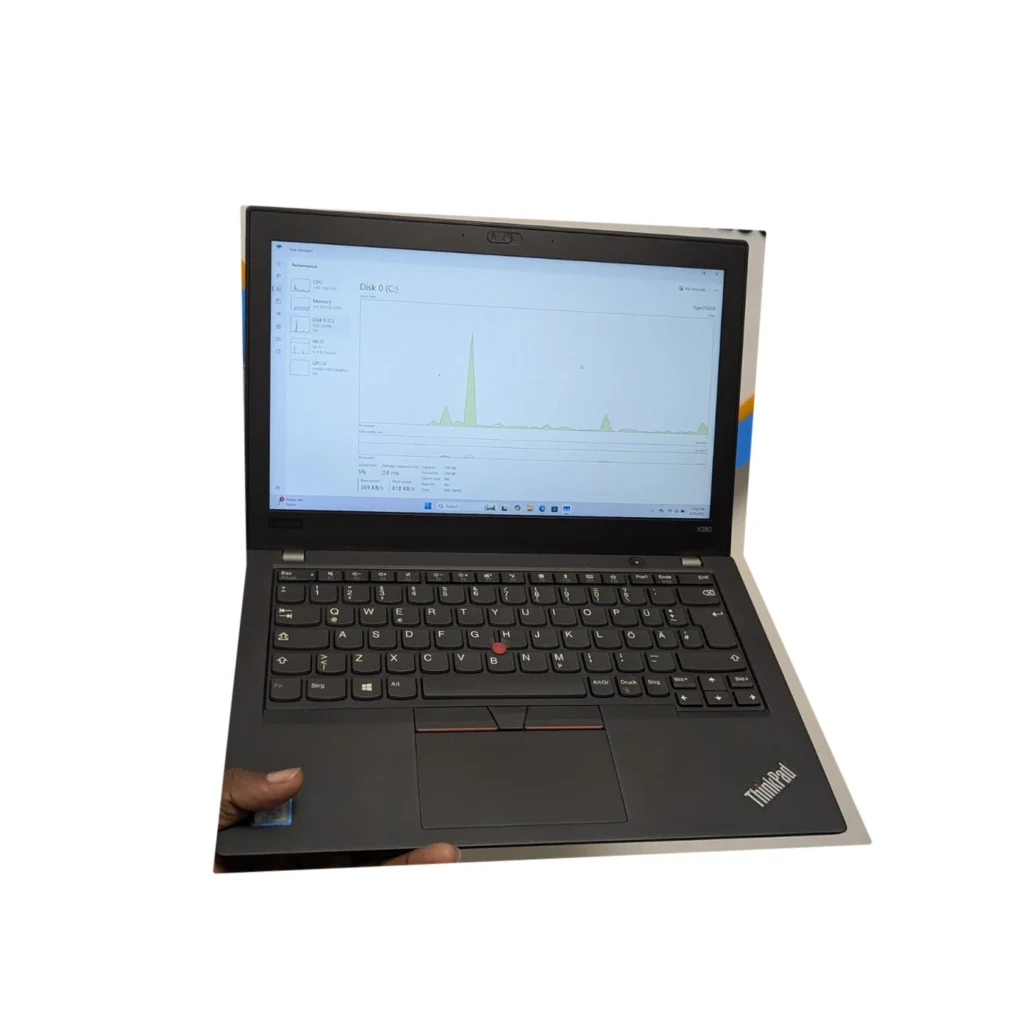
Laptop fan replacement Nairobi: start with the actual model, observed symptom and a clearly defined assessment. The main issue is the supported fan and an explained diagnosis. A useful decision connects the requirement to evidence for the actual item, unit or work rather than relying on a broad label.
This is a guide to assessing a repair, upgrade or replacement decision. It does not confirm that the shop offers the requested service or operates a repair location. The product embeds show complete replacement laptops, whose prices are separate from any assessment, parts or labour quotation.
Replacement-laptop references; separate from repair and labour quotes
Open each listing for the current price, configuration and availability. Confirm suitability for your workload.
- Refurbished
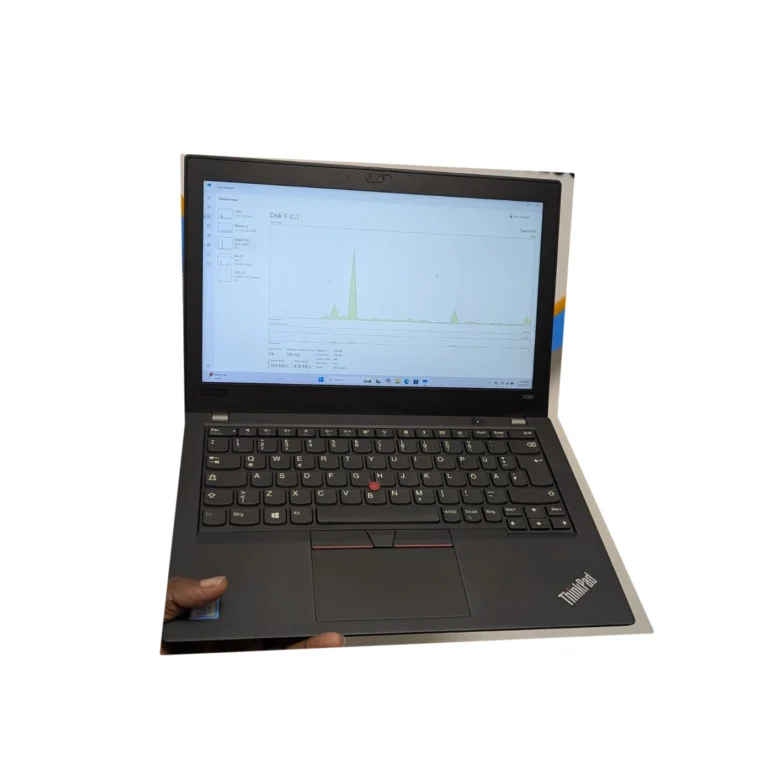
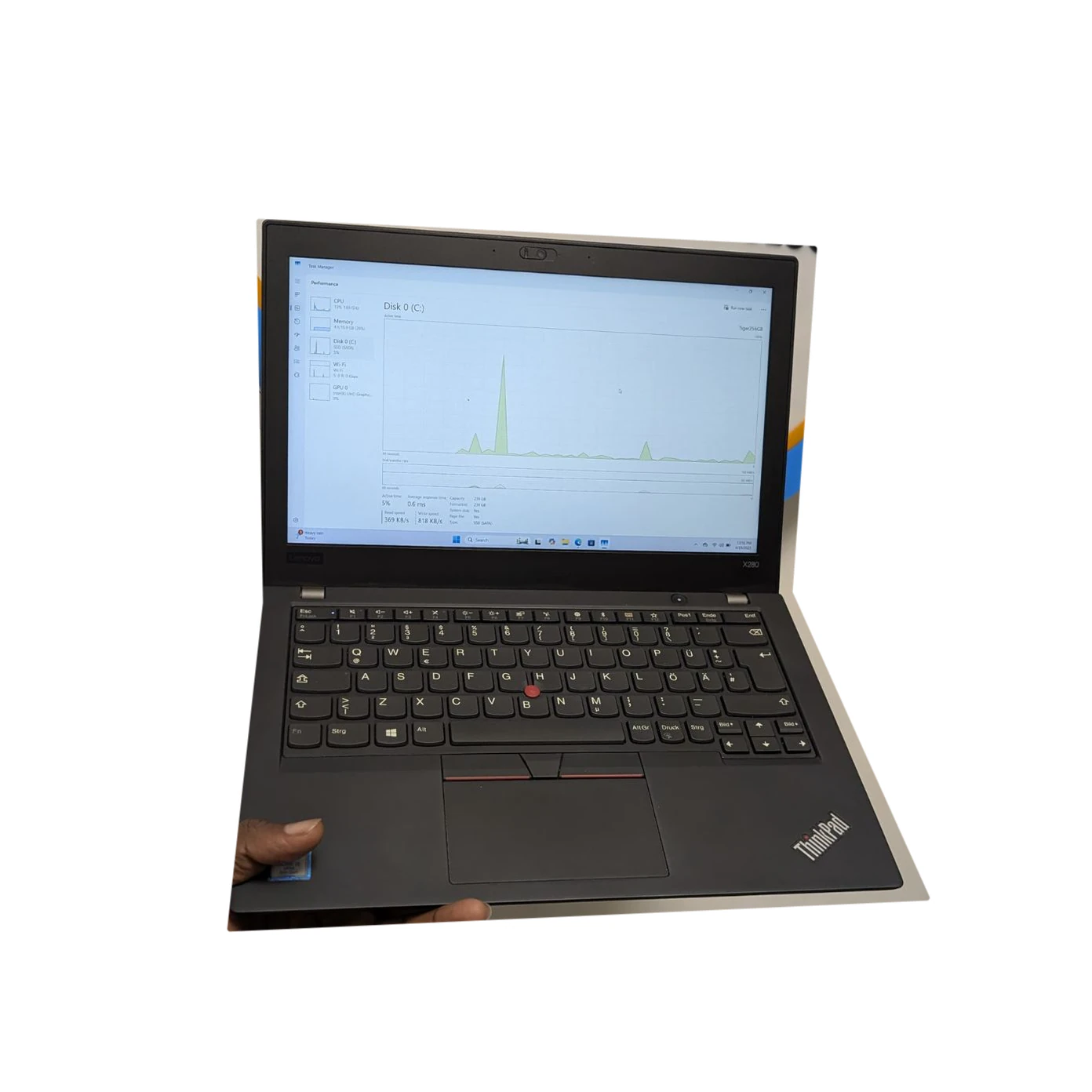
Lenovo ThinkPad X280 | i5 8th Gen | 16GB RAM | 256GB SSD
Core i5 8th Gen · 16GB · 256GB SSD · 12.5"
KSh 20,520In stock - Refurbished
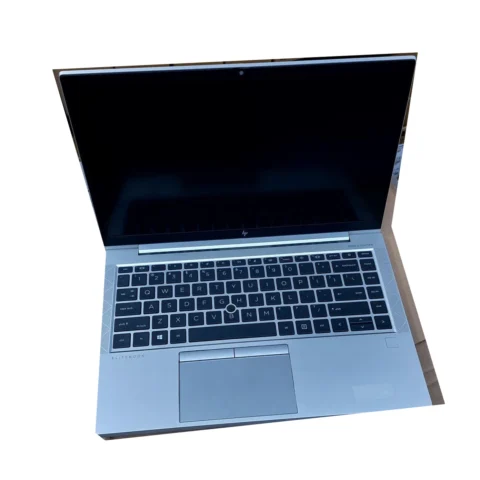
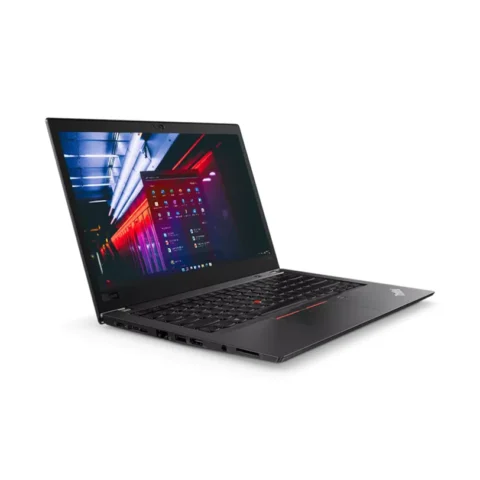
Lenovo ThinkPad T480s | i7 8th Gen | 16GB RAM | 512GB SSD
Core i7 8th Gen · 16GB · 512GB SSD · 14"
KSh 29,700In stock - Refurbished
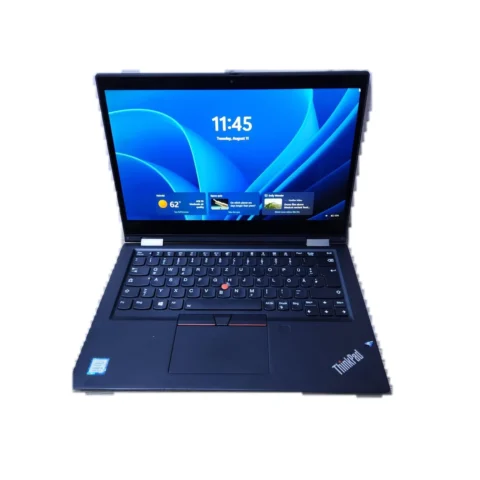
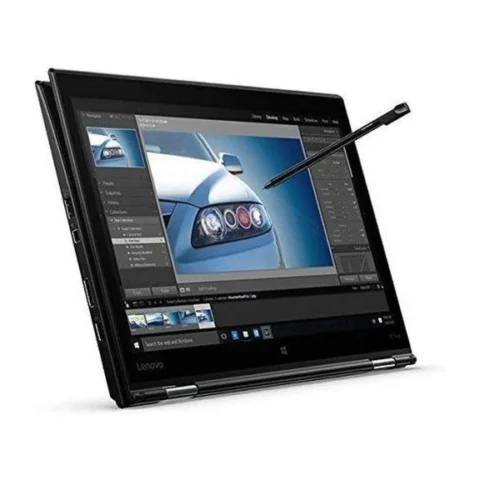
Lenovo ThinkPad X1 Yoga | i5 8th Gen | 16GB RAM | 256GB SSD | Touch
Core i5 8th Gen · 16GB · 256GB SSD · 14" Touchscreen
KSh 29,160Only 2 left
Laptop fan replacement Nairobi: the decision checklist
Identify the fan and the reason for replacement
Ask for the exact model and the diagnosed issue before ordering a fan. Noise, dust, heat and shutdowns can require different checks. Confirm the supported part and the fitted scope with a qualified technician. A photograph of another laptop or an advertised fan size does not identify the complete repair needed by your unit.
Write down the exact requirement
Start with the complete laptop model or product identifier and the requirement you want addressed. For a part, record the supported part information rather than only a brand or screen size. For a service, describe the observed symptom without deciding the diagnosis in advance. This gives the business or an authorised technician a practical question to answer before discussing a quotation.
Check the manufacturer information for that exact configuration. A neighbouring generation can use a different panel, adapter, battery or internal layout. Original documentation describes the design; current unit evidence explains which parts are installed and what condition they are in. Combine those sources rather than using a catalogue photograph as proof that a proposed part fits.
Also define the finished result. An accessory order should identify the compatible component and included equipment. A repair or upgrade quote should state the proposed work, relevant checks and what happens if an assessment changes the scope. Do not assume that a part price includes labour, a data-transfer task or every cable needed to make the setup work.
Keep the decision evidence in one place
| Check | Record before committing |
|---|---|
| Main decision | the supported fan and an explained diagnosis |
| Device identity | Complete model or product number and installed specification |
| Condition evidence | Current photographs and the relevant unit-level checks |
| Scope | Exactly which item, configuration or work the quote covers |
| Complete cost | all agreed parts, included equipment, labour where applicable and fulfilment charges |
| Open question | Anything not established by the listing or the agreed demonstration |
Compare a complete written quotation
Ask for the item or assessed work, the proposed part where relevant, labour, included accessories and any agreed fulfilment cost to appear separately. Clarify whether an assessment charge applies and when further approval would be needed. A general enquiry or a symptom description does not establish a fixed price. Keep the exact scope and the quote validity with the order.
If replacing the laptop is also an option, compare that as a separate complete purchase. A replacement must meet the required applications, condition and equipment needs. Do not use a whole-laptop catalogue price as a charger, screen, battery or repair tariff. Conversely, a low repair or accessory figure is not a complete saving if necessary work or equipment remains outside the quotation.
Use the complete-laptop references correctly
The embedded products are replacement-laptop references. Their prices do not establish an assessment charge, a parts quotation or a repair tariff. Use them only when comparing a repair proposal with a suitable whole-device alternative. Ask whether the requested service is actually available and obtain its scope separately before booking or sending a machine.
Lenovo ThinkPad X280
Open this Lenovo ThinkPad X280 complete-laptop listing. The saved catalogue describes Core i5, 16GB RAM and 256GB SSD storage. The condition label is Ex-UK refurbished. Verify the installed specification and current unit condition. The model information is a reference for the supported fan and an explained diagnosis, not a substitute for the specific evidence or separate quotation this decision requires.
Lenovo ThinkPad X1 Yoga
Open this Lenovo ThinkPad X1 Yoga complete-laptop listing. The saved catalogue describes Core i5, 16GB RAM and 256GB SSD storage. The condition label is Ex-UK refurbished. Verify the installed specification and current unit condition. The model information is a reference for the supported fan and an explained diagnosis, not a substitute for the specific evidence or separate quotation this decision requires.
Lenovo ThinkPad T480s
Open this Lenovo ThinkPad T480s complete-laptop listing. The saved catalogue describes Core i7, 16GB RAM and 512GB SSD storage. The condition label is Ex-UK refurbished. Verify the installed specification and current unit condition. The model information is a reference for the supported fan and an explained diagnosis, not a substitute for the specific evidence or separate quotation this decision requires.
Check the appropriate official documentation
Read HP support and model documentation for the relevant model, platform or verification information. Check the exact configuration and intended application or part. Documentation can explain a design or process without proving the condition, quantity or inclusions of a particular offer. Ask for current evidence wherever the listing leaves an essential question open.
For the business information, use the contact page, condition guide and delivery information. Confirm what applies to the actual order. These pages do not by themselves establish every accessory, repair, invoice, trade-in or fulfilment arrangement discussed in a buying guide.
Questions to settle before committing
Which evidence should I request first?
Start with the supported fan and an explained diagnosis. State the exact device and the result you need. Ask for a complete specification, a relevant current photograph or an appropriate permitted demonstration. A precise request is easier to answer than a general claim that an item is original, compatible or suitable for everything. Keep the response with the quotation.
Can the catalogue photograph settle the decision?
A catalogue photograph identifies the design or provides a reference view. It does not prove the condition of a particular used unit, the contents of a bundle or the availability of a service. Request current evidence for any important unresolved point. Also distinguish the complete-laptop examples from a separate accessory, repair or batch quotation.
What if the required item or arrangement is unavailable?
Ask for a clear availability update or consider a genuinely suitable alternative. Do not assume that a different platform, a similar part or a product-family name meets an essential requirement. If the condition, compatibility, quantity or service is central to the decision, confirm it explicitly before agreeing. An unanswered point should remain a question rather than a promised feature.
What should I retain after agreeing the order?
Keep the identified specification or work scope, included equipment, complete quotation and written terms. Record the agreed fulfilment and the process for reporting a discrepancy. Use authorised procedures for any data or ownership transfer. A clear record makes it easier to compare the delivered item or finished work with what the parties actually agreed.
Choose a next step based on the confirmed scope
For laptop fan replacement Nairobi, keep the supported fan and an explained diagnosis at the centre of the decision. Use the current laptop catalogue and Laptop Finder when a complete computer is relevant. Send the exact requirements and product links through the published contact route, then ask which offer and terms the business can confirm.
For the related purchasing process, read buy laptop online Kenya. Compare the checklist with your own requirement rather than assuming that another buyer or configuration needs exactly the same arrangement.